The Clean Exit: A Digital Checklist for Employee Offboarding
· Rafael Cortes · 3 min read
Managing how an employee leaves your business is just as important as how they start. Here is how to handle the digital handoff.
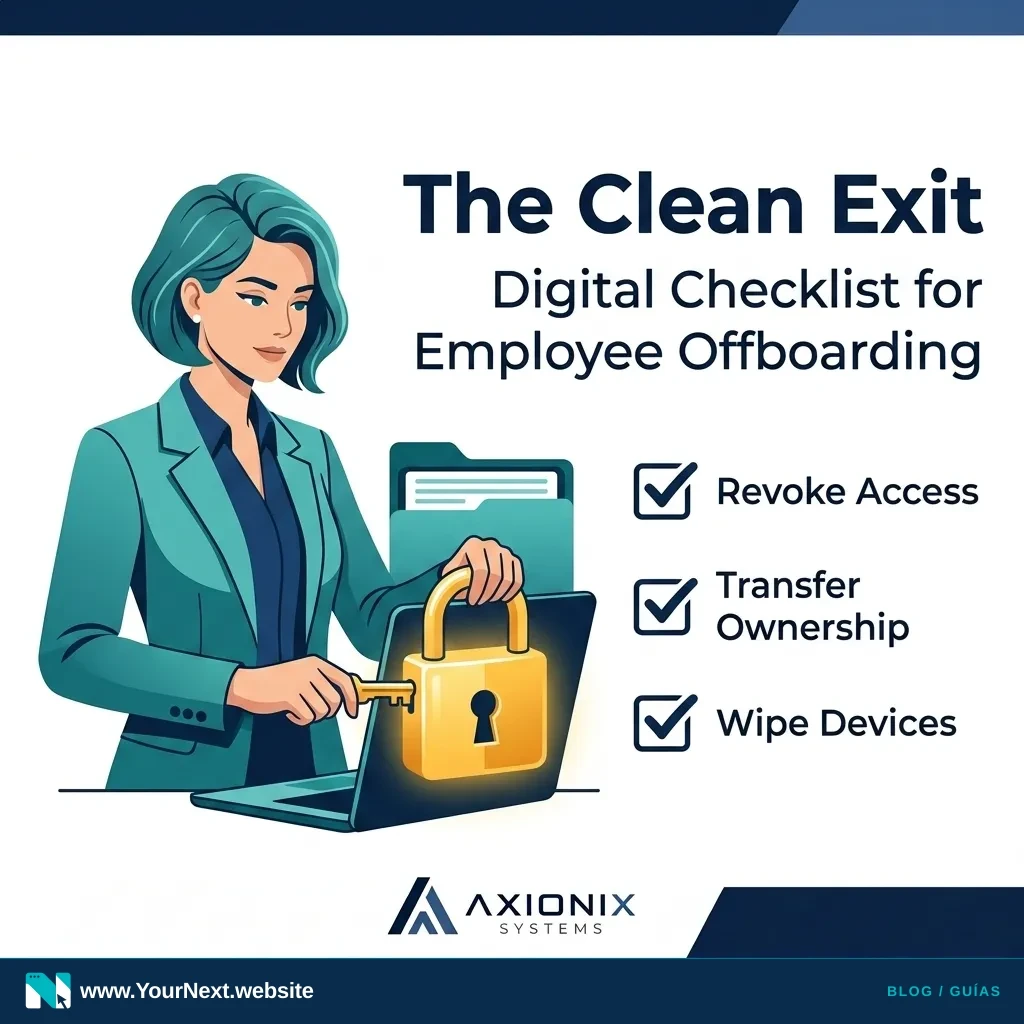
When a valued team member moves on to a new opportunity, the focus is usually on the farewell lunch or the immediate gap in the schedule. However, for small business owners, the most significant risk often lies in the "ghost access" left behind. These are the active logins, shared folders, and administrative permissions that remain attached to a former employee long after they’ve turned in their keys.
Managing digital offboarding isn't about a lack of trust; it’s about operational hygiene. Leaving these connections open creates clutter, complicates your software billing, and leaves your business data vulnerable to accidental changes or external compromises. A clean exit ensures that your business stays organized and that your remaining team has the access they need to keep moving forward.
The Risk of "Zombie" Accounts
In many small offices, software is added on the fly. An employee might sign up for a design tool using their personal email, or they might be the only one with the login to the company’s local Yelp or Google Business profile. When that person leaves, those accounts become "zombies"—they exist, but you no longer have the keys to manage them.
This "Lottery Ticket" risk is real. If your only person with access to the website hosting account leaves on bad terms or simply becomes unreachable, your business could face a major disruption. Identifying these single points of failure before the exit interview is a critical step in business continuity.
Building a Repeatable Process
The goal is to move away from memory-based offboarding. You shouldn't have to stay up at night wondering, "Did we remove them from the QuickBooks account?" Instead, rely on a simple, written playbook. By standardizing these steps, you turn a stressful event into a routine administrative task.
This process should also include a "digital handoff." Ensure that all files currently sitting on a staff member's local desktop or personal cloud folder are moved to a shared company drive. If it isn't in a shared space, consider it lost the moment that laptop is wiped for the next hire.
Weekly Action: The Offboarding Cleanup
- Revoke Primary Access: Change the password or disable the account for their primary business email (Google Workspace/Microsoft 365).
- Audit Financial Tools: Remove the user from payroll systems, bank view-only access, and accounting software like QuickBooks or Xero.
- Check Shared Passwords: If you use a password manager, remove the user from all shared vaults and rotate any high-value passwords they had access to.
- Transfer Ownership: Ensure any "Owner" roles on social media, Google Business, or domain registrars are transferred to the business owner.
- Physical Device Wipe: Collect all hardware and perform a factory reset only after verifying that all business-critical files have been backed up to the cloud.
Axionix Systems believes that simple systems are the strongest systems. By taking an hour this week to document which apps your team uses, you are protecting the future of your operations. It’s not about being technical; it’s about being prepared.
Axionix Systems can help. We help small businesses create custom onboarding and offboarding playbooks that make digital transitions seamless and secure. Contact us at axionixsystems.com.