Business continuity
The "Lottery Ticket" Risk: Mapping Your Critical Digital Keys
· Rafael Cortes · 3 min read
In the world of IT, developers often talk about the "Bus Factor"—the number of people who would need to be hit by a bus before a project stalls. For small business owners, we prefer a much more optimistic, but equally disruptive scenario: The Lottery Ticket.
In the world of IT, developers often talk about the "Bus Factor"—the number of people who would need to be hit by a bus before a project stalls. For small business owners, we prefer a much more optimistic, but equally disruptive scenario: The Lottery Ticket.
Imagine your office manager, your lead technician, or your external web developer wins $50 million tomorrow and decides to retire on a beach in the South Pacific. They aren't acting out of malice; they're just gone. Could your business still function? Specifically, do you have the keys to the digital rooms they were managing?
For many SMBs, the answer is a stressful "maybe." This is the "Lottery Ticket" risk—the danger of having critical business credentials locked inside one person's head or personal device.
Identifying Your Lone Keyholders
In a small team, it is natural for one person to "own" a process. One person handles the domain renewals, another manages the payroll portal, and a third has the master login for the company’s social media. While this is efficient for daily work, it creates a single point of failure.
The risk isn't just about passwords. It’s about ownership. If your website domain is registered under a former employee’s personal email address, you don't just need their password—you might need their cooperation to prove you own the business. If they aren't answering their phone, your digital storefront could go dark with no easy path to recovery.
Building Your Digital Asset Map
You don't need a complex technical manual. You need a map. A digital asset map identifies every critical service your business relies on, where it lives, and who has the "God-mode" access to it. This map ensures that if a key partner or employee departs, you can transition those responsibilities without a panic-induced lockout.
At Axionix, we focus on making these systems "Built to Work." That means ensuring the business owner always has a path to recovery. We help teams move away from "Bob has the login" to "The business has the vault."
Your "Business Continuity" Checklist
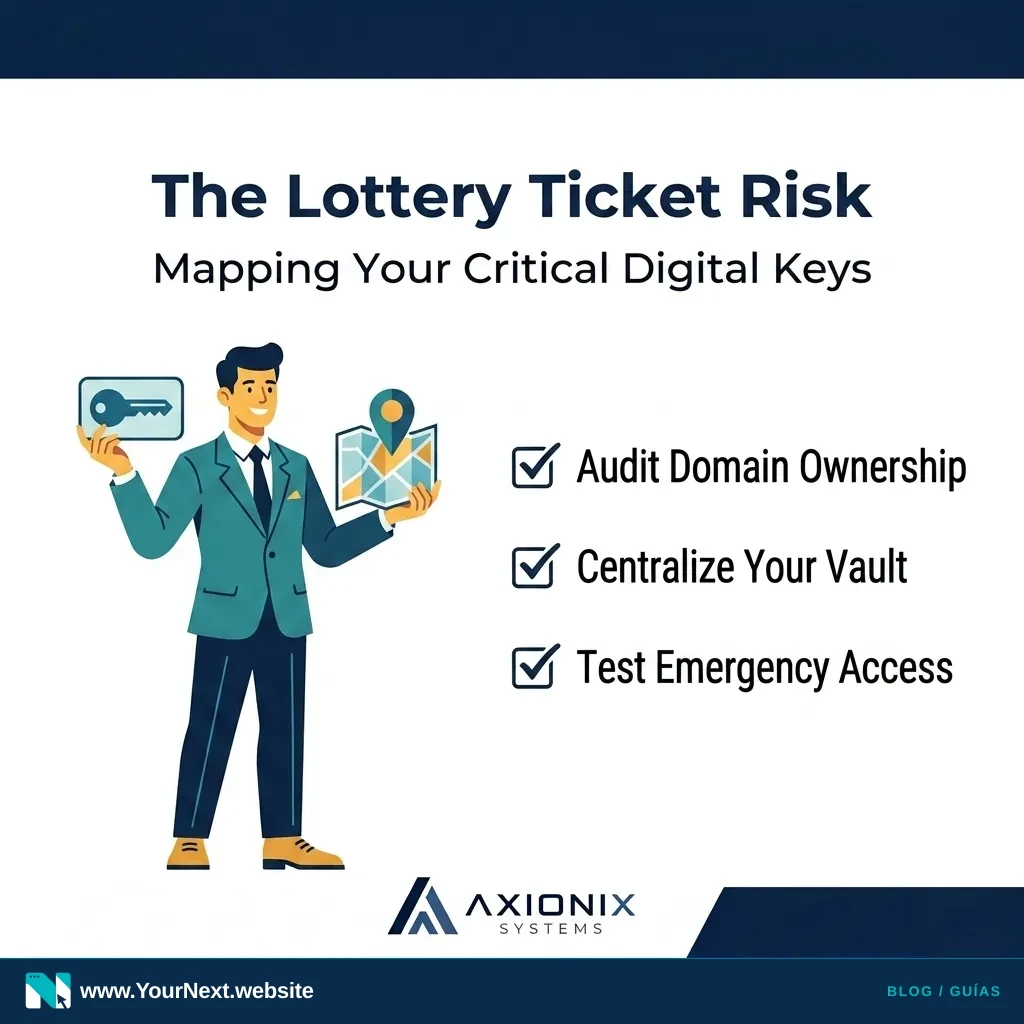
- Audit your domain: Verify that your website domain (e.g., yourbusiness.com) is registered using a company-owned email address, not a personal one.
- Identify the 'Single Points': Make a list of the 5 most critical apps you use (Banking, CRM, Email, Hosting, Payroll). Note who has the primary admin login for each.
- Centralize your Vault: Set up a team-based password manager (like Bitwarden or 1Password) so the business, not the individual, owns the credentials.
- Test Emergency Access: Ensure at least two people (typically the owner and a trusted lead) have "emergency access" or administrative rights to the primary vault.
- Review Third-Party Access: If an outside agency manages your ads or website, ensure they are added as "users" rather than using your primary admin credentials.
Taking these steps today doesn't just protect you from the "Lottery Ticket" risk; it makes your daily operations smoother. When everyone knows where the keys are kept, you spend less time searching and more time serving your customers.
Worried about who holds the keys to your digital kingdom? Axionix Systems provides practical Digital Systems Guidance to help you map your assets and secure your operations. Contact us for a systems review today.