Password Managers & MFA: Your Small Business Superpowers
· Rafael Cortes · 4 min read
Improve your small business cybersecurity with practical steps: implementing password managers and Multi-Factor Authentication (MFA). Learn why they're crucial and how to get started.
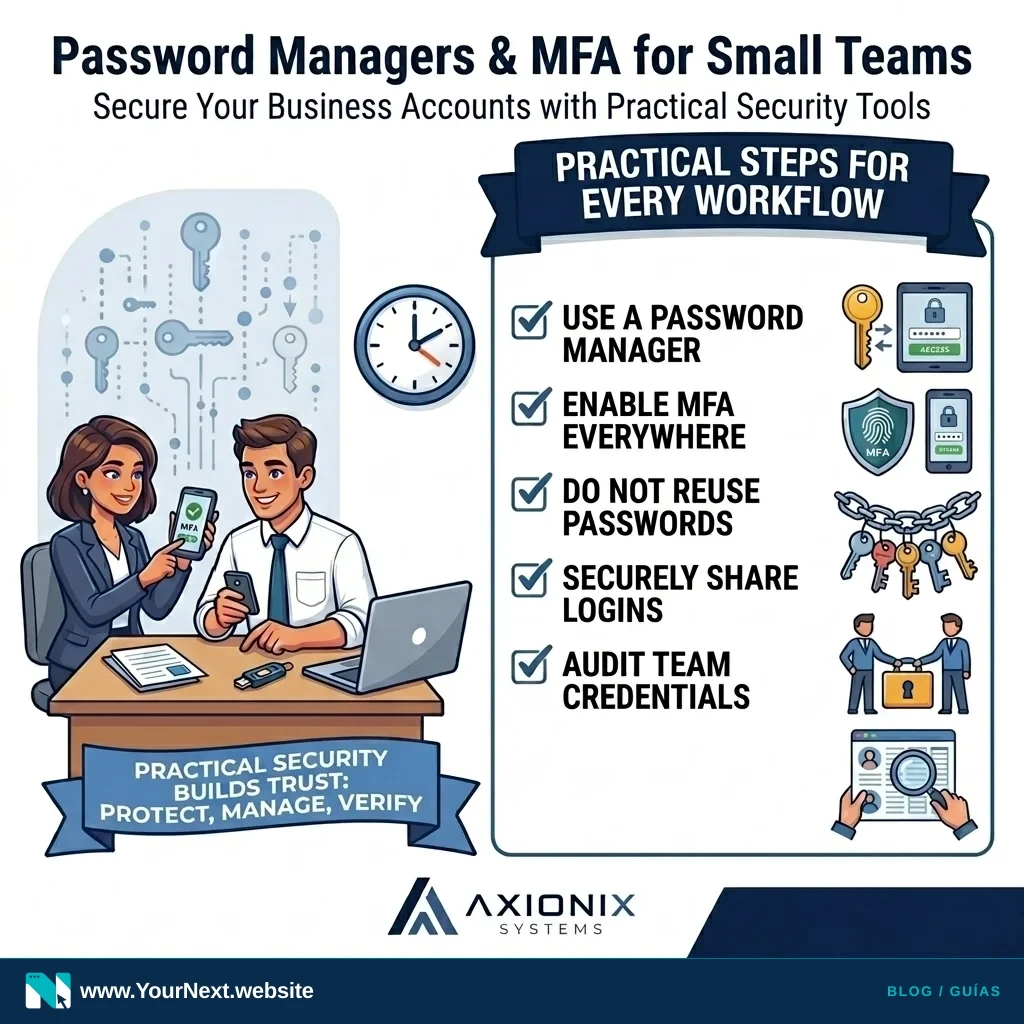
In the daily rush of running a small or medium-sized business, security can sometimes feel like a complex puzzle you don't have time to solve. But what if there were two relatively simple tools that could dramatically boost your protection without slowing you down? Enter password managers and Multi-Factor Authentication (MFA).
These aren't just for big corporations. For small teams, they're essential, practical safeguards that tackle some of the most common ways cybercriminals break in. Let's demystify them and show you why they deserve a spot in your business's toolkit.
The Power of a Password Manager
Think about how many accounts your business uses: email, cloud storage, banking, accounting software, social media, vendor portals... the list goes on. Each needs a strong, unique password. But remembering dozens of complex passwords is impossible, leading many to reuse simple ones – a hacker's dream scenario.
A password manager is a secure digital vault for all your login credentials. Instead of memorizing every password, your team only needs to remember one master password for the manager itself. Here's why it's a game-changer:
- Strong, Unique Passwords: It generates and stores long, complex, and unique passwords for every single account, automatically. No more "password123!"
- Reduced Reuse Risk: If one service you use gets breached, your other accounts are safe because they all have different passwords.
- Seamless Access: It auto-fills login forms, making signing in quicker and more secure.
- Secure Sharing: Business-grade password managers allow secure sharing of login credentials among team members for shared accounts, without ever revealing the actual password.
- Audit & Reporting: Many offer features to identify weak or reused passwords across your accounts, helping you improve over time.
Multi-Factor Authentication (MFA): An Essential Layer
Even with strong, unique passwords, breaches can still happen. That's where Multi-Factor Authentication (MFA) comes in. MFA adds a second (or third) layer of verification beyond just a password, making it incredibly difficult for unauthorized users to access an account, even if they have the correct password.
Imagine someone steals your front door key. If you also have a deadbolt that requires a separate key, they can't get in with just one. MFA works the same way. It typically asks for something you:
- Know: Your password.
- Have: A code from an authenticator app on your phone, a physical security key, or a text message (though app-based codes are generally more secure than SMS).
- Are: A fingerprint or facial scan (less common for business accounts, but growing).
Enabling MFA on critical business accounts – especially email, cloud platforms, and banking – is one of the most impactful security steps you can take. If a hacker somehow gets an employee's password, they'll be stopped dead in their tracks when they can't provide the second factor.
Implementing these tools is not just about protection; it’s about peace of mind. It allows your team to work more efficiently and securely, knowing that their daily digital interactions are protected by robust, easy-to-use systems. It’s practical technology, built to work for your business.
Your Small Business Security Checklist: This Week
- Research & Choose: Select a reputable business-grade password manager (e.g., LastPass Business, 1Password Business, Bitwarden Teams). Look for features like secure sharing and admin controls.
- Team Training: Schedule a short training session for your team on how to use the chosen password manager effectively. Emphasize why it's important for everyone.
- Enable MFA Everywhere: Prioritize enabling Multi-Factor Authentication (MFA) on ALL critical business accounts: email, cloud services, banking, CRM, accounting software, and social media.
- Document Access: Update or create a simple process for onboarding new employees that includes setting up their password manager access and enabling MFA on their accounts.
- Regular Review: Use your password manager's audit features to periodically check for weak or reused passwords across your team's accounts and address them.
Axionix Systems can help. We assist small businesses in selecting, implementing, and training teams on password managers and MFA solutions that fit their unique needs. Contact us at axionixsystems.com.