Digital systems guidance
The Hidden Risk of "Shadow IT": Managing Software in a Small Team
· Rafael Cortes · 3 min read
In most small businesses, "Shadow IT" isn’t a malicious conspiracy. It usually looks like a helpful employee buying a $15-a-month PDF editor or a social media scheduling tool on their personal credit card because they needed to get a project done quickly. They expense the cost, the work gets finished, and everyone is happy.
In most small businesses, "Shadow IT" isn’t a malicious conspiracy. It usually looks like a helpful employee buying a $15-a-month PDF editor or a social media scheduling tool on their personal credit card because they needed to get a project done quickly. They expense the cost, the work gets finished, and everyone is happy.
However, as your business grows, these "shadow" tools—software used without formal company oversight—can become a quiet operational burden. When software is tied to personal accounts and personal emails, your business loses visibility into its data, its costs, and its security.
Why Shadow IT Happens in SMBs
Employees usually turn to their own solutions because the company’s official tools are too slow, too complicated, or simply don't exist. In a fast-moving office, waiting two weeks for a software approval feels like a roadblock. Buying a subscription with a personal card is the path of least resistance.
The problem arises later. If that employee leaves the company, the "keys" to that software—and the data inside it—often leave with them. You might find yourself still paying for a subscription via an expense reimbursement for an account you can no longer access. This creates a "data silo" where important business information is trapped in a tool the business owner doesn't control.
Moving Toward Centralized Management
Managing software doesn't require a massive IT department. It requires a simple process for how tools are discovered, paid for, and documented. By centralizing your software, you ensure that the business owns the intellectual property and the historical data, regardless of who is on the team this month.
Start by creating a "Single Source of Truth." This could be a simple spreadsheet or a folder in your password manager that lists every tool the company uses, who has access, and which credit card is paying for it. When everyone knows there is a preferred way to buy tools, they are less likely to go "off-grid."
Your "Clean Software" Checklist
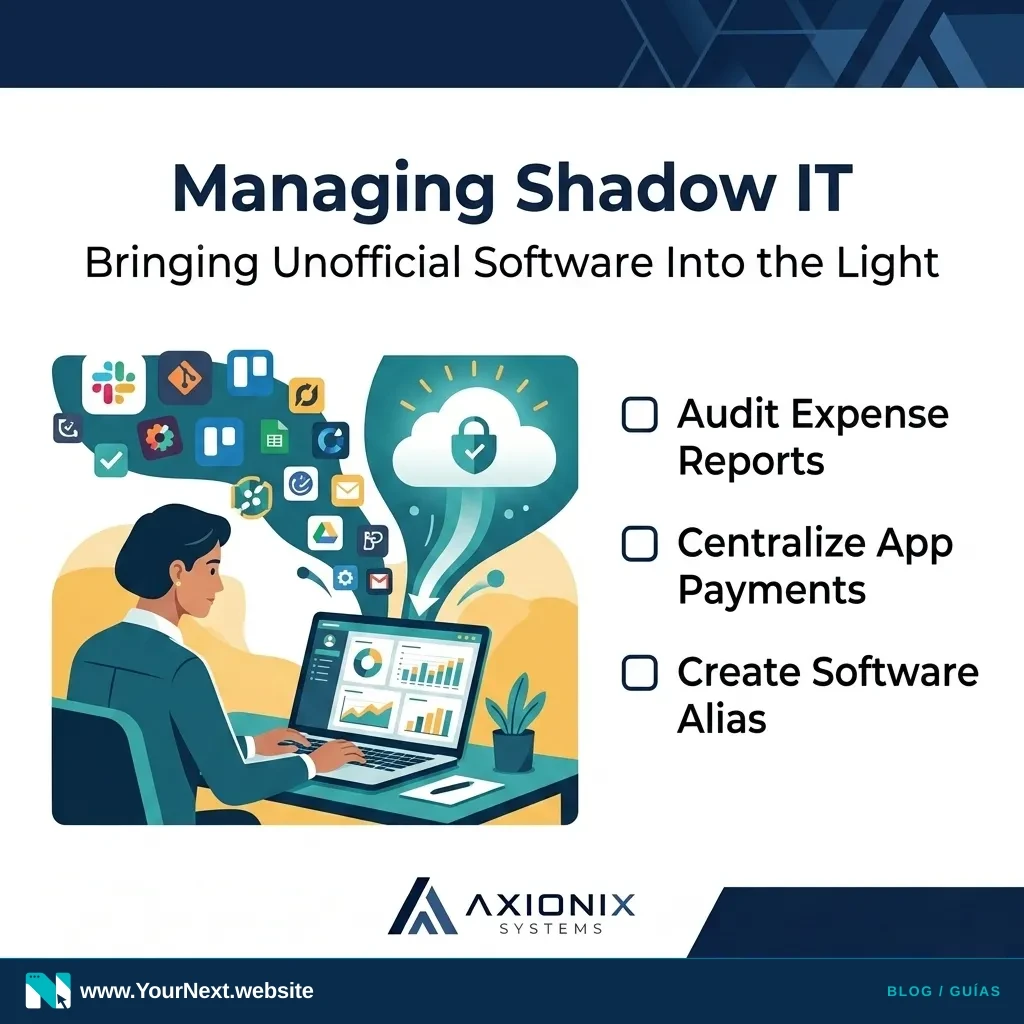
- Audit your expense reports: Look for recurring software subscriptions being reimbursed to individual employees.
- Set up a "Software" email alias: Use an address like ops@yourbusiness.com or admin@yourbusiness.com to register for all company tools instead of personal work emails.
- Use a central payment method: Issue a company card (or a virtual card through services like Ramp or Brex) specifically for software subscriptions.
- Update your onboarding: Tell new hires exactly how to request a new tool so they don't feel they have to bypass the system.
- Inventory your logins: Ensure at least two people (the owner and an admin) have "Super Admin" access to critical tools like your website hosting, email provider, and CRM.
By bringing these tools out of the shadows, you aren't just improving security; you’re building a more professional, scalable foundation for your operations. You’ll save money on redundant tools and ensure that when your team grows, your systems are ready to grow with them.
Need help organizing your software subscriptions or streamlining your workplace tools? Axionix Systems provides practical IT and systems reviews to help SMBs structure their digital operations. Contact us today for a systems consultation.