Don't Lose Your Brand: A Simple Guide to Domain and DNS Management
· Rafael Cortes · 3 min read
For most small business owners, your domain name (like yourbusiness.com ) is the most valuable piece of digital real estate you own. It is the foundation of your website, your professional email, and your brand’s credibility. Yet, for many, the management of that domain is a mystery—often left in the hands of a former employee, a distant relative, or an agency you stopped working with years ago.
For most small business owners, your domain name (like yourbusiness.com) is the most valuable piece of digital real estate you own. It is the foundation of your website, your professional email, and your brand’s credibility. Yet, for many, the management of that domain is a mystery—often left in the hands of a former employee, a distant relative, or an agency you stopped working with years ago.
At Axionix Systems, we believe web technology should be "Built to Work," and that starts with making sure you actually own and control the keys to your digital front door. Here is a plain-English guide to managing your domain and DNS without the headache.
The Difference Between Your Domain and Your DNS
Think of your Domain Registrar (like Namecheap or GoDaddy) as the deed to your house. It proves you own the address. Your DNS (Domain Name System) is like the phonebook or the GPS. It tells the internet exactly where to find your website files (hosting) and where to deliver your emails.
If your domain registration expires, you lose the address entirely. If your DNS settings are messed up, the address still exists, but the "GPS" sends people to a dead end. Both need to be secure for your business to stay online.
Three Common Risks to Your Business Identity
We often see three recurring issues when evaluating website health and DNS setups for new clients:
- The "Agency Trap": An old marketing agency registered the domain in their account. If they go out of business or you have a dispute, getting your domain back can be a nightmare.
- Expired Credit Cards: Most domains are set to auto-renew, but if the card on file expired three years ago, the domain will eventually drop, and a "squatter" might buy it to sell it back to you for thousands of dollars.
- Lack of Registrar Locks: Without a "Registrar Lock" enabled, your domain is more vulnerable to unauthorized transfers.
Your Domain Health Checklist
Take 15 minutes this week to verify these five points. It could save you days of downtime later.
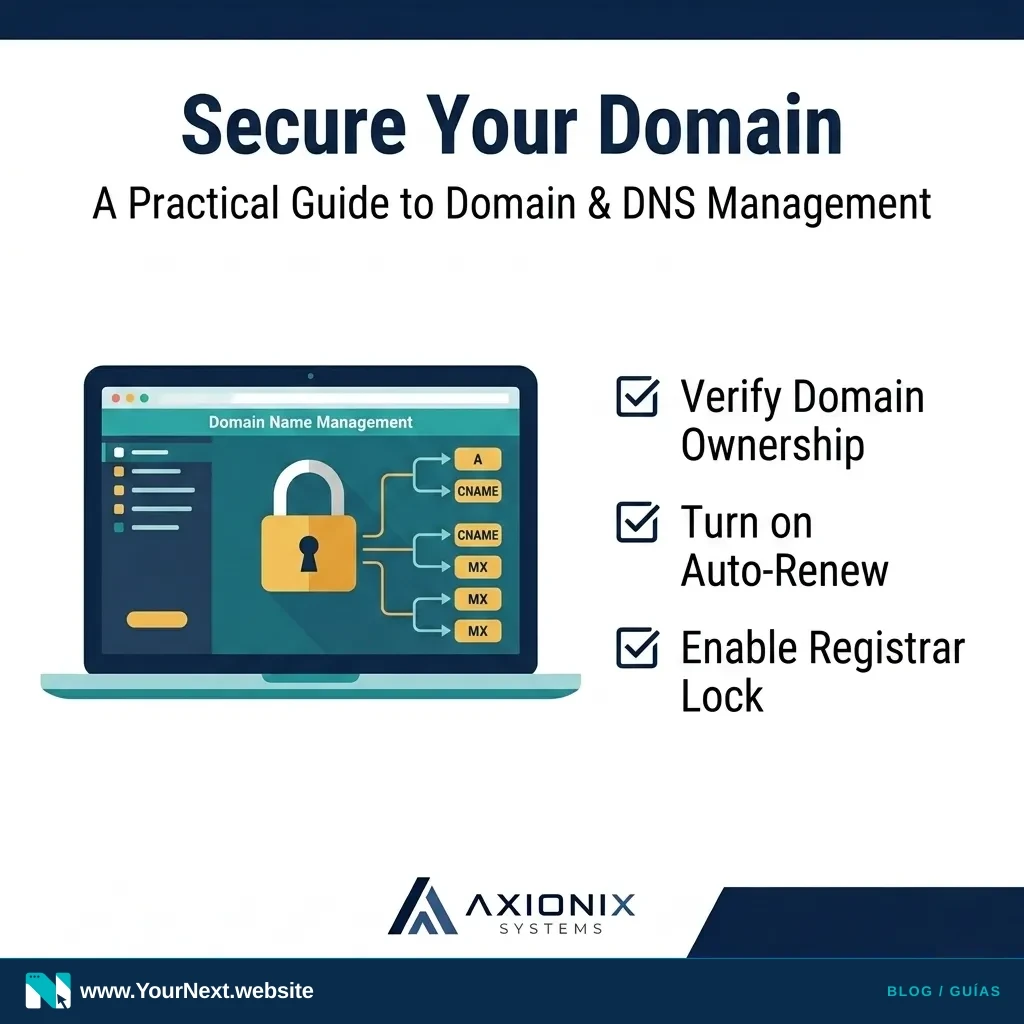
- Verify Ownership: Log into your registrar. Ensure the "Registrant Contact" is your company name and a functional business email you control.
- Turn on Auto-Renew: Never let a domain expire manually. Ensure a valid, current credit card is attached.
- Enable Registrar Lock: This is a simple toggle in your settings that prevents the domain from being moved to another provider without your explicit permission.
- Audit Your DNS: Look at your DNS records. If you see records for tools you haven't used in years (like an old email provider or a defunct landing page tool), they should be cleaned up.
- Turn on MFA: Your domain account should have Multi-Factor Authentication (MFA) enabled. If a hacker gets into your domain account, they control your entire digital presence.
Managing these assets doesn't have to be a full-time job, but it does require a bit of digital hygiene. When we build Your Next Website platforms for our clients, we handle the technical DNS heavy lifting while ensuring the client retains 100% ownership of their assets.
Not sure who owns your domain or where your DNS is pointed? Axionix Systems can help you audit your digital assets and consolidate them safely. Contact us today for a systems review.