Most small business owners sleep better at night knowing their "backups are running." We see the green checkmark on the software or the monthly confirmation email, and we assume we are protected. However, in the world of practical technology, a backup that hasn't been tested is merely a suggestion.
The hard truth is that "backing up" is only half of the equation. The half that actually matters during a crisis is the "restore." If your server fails, a laptop is stolen, or a folder is accidentally deleted, you don't need a backup—you need your data back in your hands, ready to use, within a reasonable timeframe.
The Difference Between "Syncing" and "Backing Up"
Many teams rely on tools like OneDrive, Dropbox, or Google Drive as their sole backup strategy. While these are excellent for collaboration, they are synchronization tools, not necessarily true backups. If a user accidentally deletes a folder or a virus encrypts your files, those changes often "sync" immediately across all devices.
Three Practical Tests for Your Team
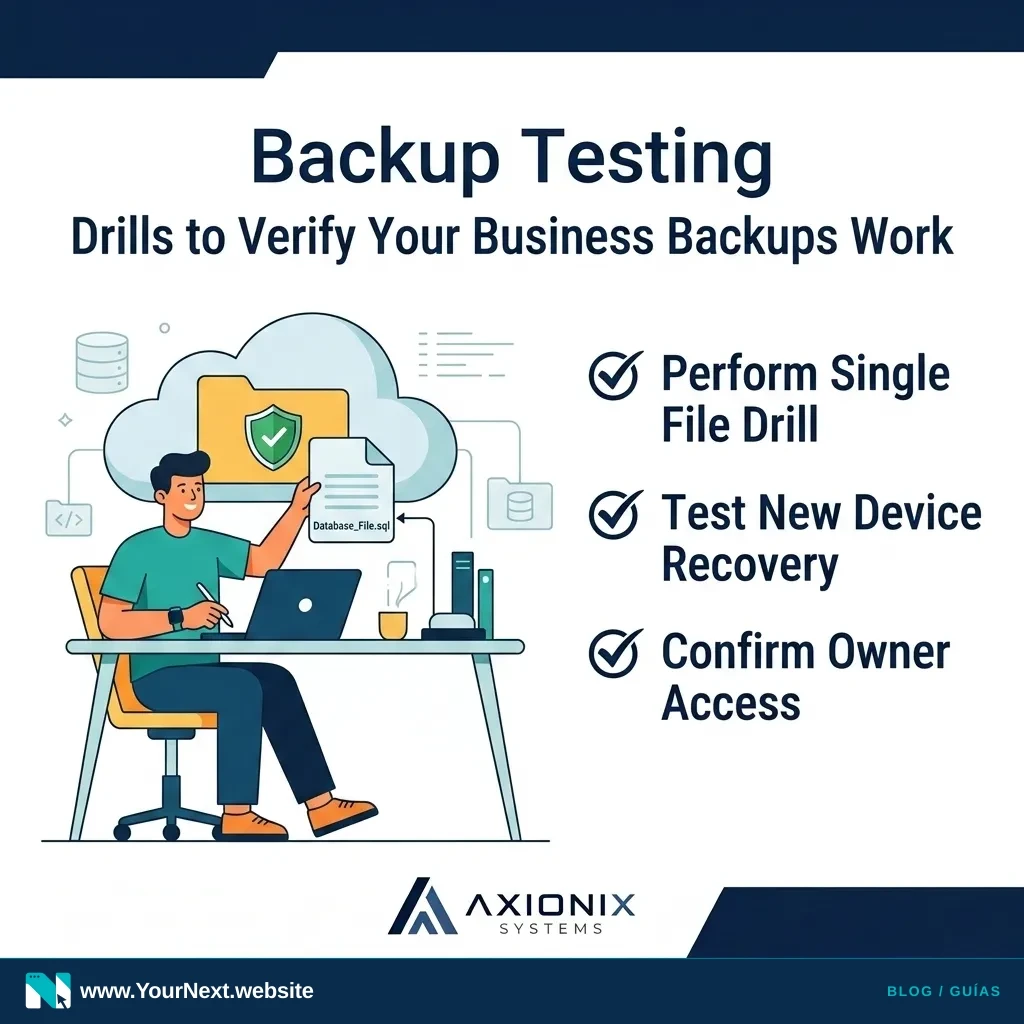
You don't need a degree in computer science to verify your business continuity. You simply need to perform these three practical drills at least once a quarter:
- The "Single File" Drill: Pick a random, non-critical file from three months ago. Ask whoever manages your IT to produce that exact version of the file within 30 minutes. If it takes hours to find, your retrieval process is too slow.
- The "New Laptop" Drill: If an employee's computer died this morning, how long would it take to get a replacement machine loaded with their specific files and settings? Don't guess—try it with a spare machine.
- The "Owner's Access" Drill: If your primary technical person was unavailable, do you (as the owner) have the master credentials to log into the backup provider and trigger a recovery?
At Axionix, we believe technology should work for you, not create a new source of anxiety. Testing these systems today ensures that a minor technical glitch doesn't turn into a week of lost revenue.
- Identify exactly where your most "critical" business data lives (it’s often in more than one place).
- Verify that your backup software is set to keep at least 30 days of "version history."
- Confirm that at least one copy of your data is stored "off-site" or in a separate cloud account.
- Schedule a 15-minute "restore test" on your calendar for the first Monday of next month.
Not sure if your "green checkmark" is actually protecting your business? Contact Axionix Systems for a Practical Systems Review. We’ll help you build a backup plan that actually works when you need it.